Trace an Error Code with the New Dev Tools

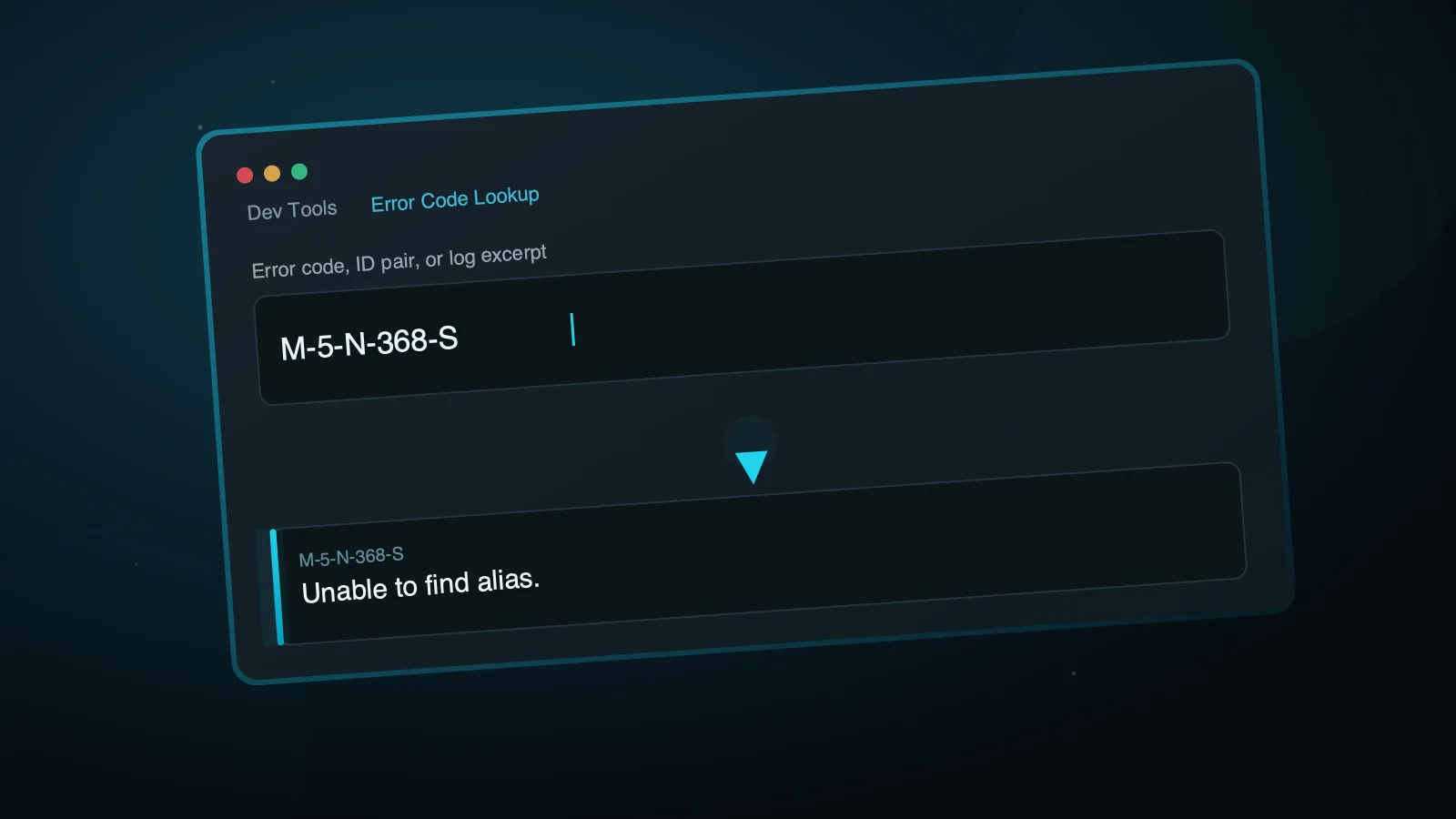
This documentation site now has a Dev Tools section.
A new section: Dev Tools
Most of this site documents ADITO. Dev Tools is a bit different: it is a growing collection of small, interactive utilities for day-to-day work.
It starts with one tool: Error Code Lookup.
What it does
Internal ADITO error codes such as M-5-N-368-S do not show their actual message directly. The code only makes sense once resolved against an internal message resource bundle.
The Error Code Lookup tool resolves it for you. Paste the code, or a whole log excerpt, and it looks up every code it can find.
When this is actually useful
If you already have log access, or you are in the Designer or the SSP, ADITO usually resolves these codes for you right there, with the surrounding context intact.
This tool is for the case where all you have is the bare code. Maybe it came from a screenshot or a support ticket, and there is no log in reach. Resolving it here beats tracking down someone who has that access.
More tools to come
Dev Tools is meant to grow. If you have an idea for a small utility that would help with day-to-day ADITO work, let us know.
./Robert