When the Browser Puts Your Client to Sleep

A tab that sat in the background for a while takes several seconds to respond again. Sometimes the login page shows up instead. No deployment happened in between, and the system is not under load.
In most of these cases the browser put the tab to sleep. Two new documentation pages describe what happens then and what you can do about it.
What the browser does
Edge and Chrome suspend background tabs after a while to save resources. Edge calls the feature sleeping tabs, Chrome calls it Memory Saver. The page stays in memory, and its JavaScript is stopped.
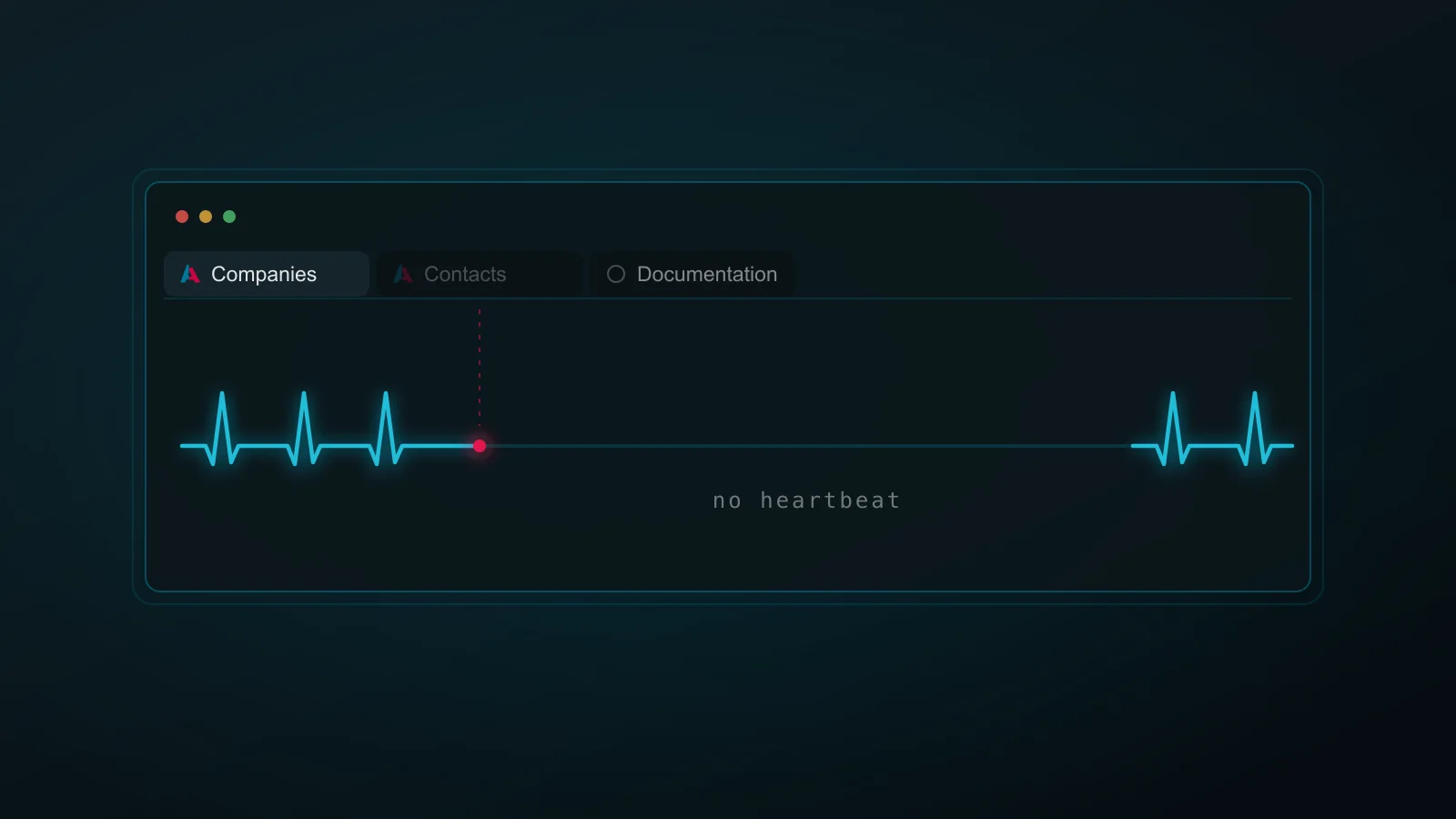
Stopped JavaScript is what makes this visible in the ADITO Web Client. Every open tab sends a heartbeat to the server at a fixed interval, and a frozen tab sends nothing. After a while the server treats such a tab like a client that has disappeared.
The push connection over WebSocket does not change that. It delivers server notifications to the browser. It does not count as client activity, and it does not stop the browser from suspending the tab.
What users notice
How long the tab slept decides what happens on the way back:
- Short sleep: the tab reports back on its own and work continues where it left off.
- Longer sleep: the tab has to rebuild its interface, which takes a few seconds. The session survives and the user stays signed in.
- Very long sleep: the connection timeout has expired. The session is gone, unsaved input with it, and the user has to log in again.
What makes this hard to pin down is where the clock starts. It starts when the tab falls asleep, and when that happens is entirely up to the browser. In Edge the waiting period ranges from five minutes in efficiency mode to two hours with the default policy setting. Two people on the same system can therefore run into completely different behavior.
What to do
Keep the application out of the browser's sleep list. Users can add it themselves in the browser settings, and administrators can roll the exception out by policy for managed devices. Where that is not possible, the session deadlines on the server can be raised instead, although crashed clients then keep their license for longer before the server notices.
Where to read on
- Client - Background Tabs covers how to recognize the pattern, why it feels different for each user, and how to configure the browser exception per user or by policy.
- Client Sessions and Timeouts is the reference for the heartbeat and the timeouts around it: what each parameter measures, how the values interact, and what
USER_TIMEOUTandCONNECTION_TIMEOUTmean in the log.
./Robert